
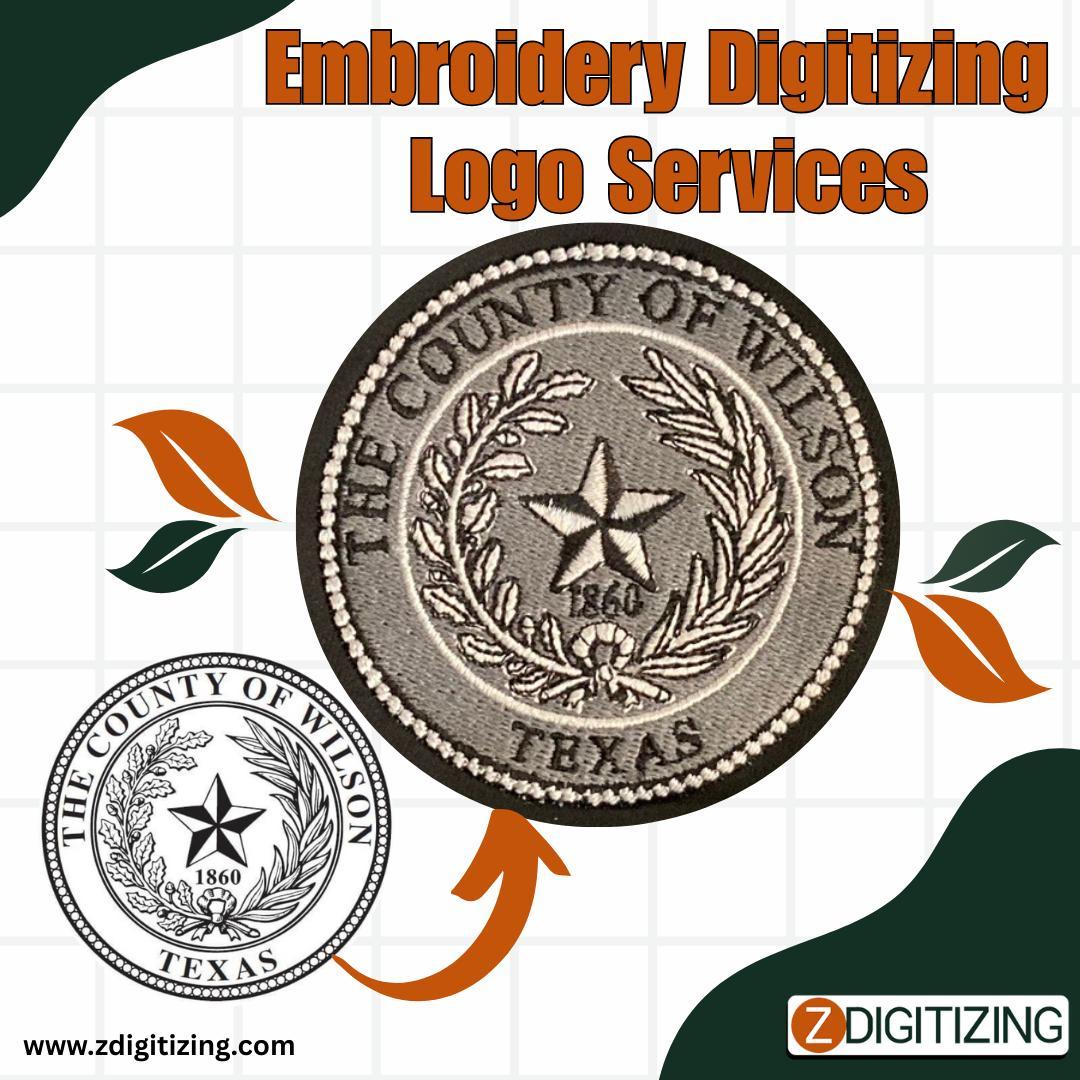
There are few things more disappointing than receiving a batch of custom embroidered apparel only to find the logo is messy, distorted, or difficult to read. In most cases, these issues don’t stem from a faulty embroidery machine or low-quality thread. Instead, they originate in the very first step, which is the artwork submitted for digitizing.
Understanding the unique constraints of embroidery as a physical medium is key. Thread and fabric behave differently from ink on paper or pixels on a screen. By avoiding a few common artwork preparation mistakes, you can ensure a smooth translation from digital design to a flawless finished product.
Mistake #1: Submitting Low-Resolution Raster Images
The Problem: Providing a blurry, pixelated JPEG or PNG file as the source artwork. When the image is not clear, the digitizer is forced to guess where the design’s true edges and lines are supposed to be.
The Consequence: This guesswork leads to jagged outlines, inaccurate shapes, and a generally unprofessional final appearance. The foundation is weak, so the final structure is flawed.
The Solution: Always start with the cleanest, highest-quality source file you have. Vector files (.AI, .EPS, .SVG) are the gold standard because they provide perfect, scalable outlines. If a vector file is not available, provide the largest, highest-resolution raster image possible.
Mistake #2: Ignoring Minimum Size Requirements for Text
The Problem: Creating a design with text that is too small or uses a highly decorative font with thin strokes.
The Consequence: This is one of the most frequent failures in embroidery. The needle and thread are physical objects that take up space. When letters are too small, the stitches overlap, enclosed spaces (like in 'e' or 'a') fill in completely, and the text becomes an unreadable jumble of thread.
The Solution: For legible results, text should generally be no smaller than 6mm (about a quarter-inch) in height. Stick to simple, bold, sans-serif fonts for any small lettering, as they provide the cleanest stitch-out.
Mistake #3: Designing with Complex Gradients and Shading
The Problem: Including subtle color gradients, shadows, and photographic details that look great in print but do not translate well to the thread.
The Consequence: Embroidery machines use solid spools of thread. A smooth gradient in a digital file will be interpreted as distinct bands or blocks of color, often creating a harsh, dated look. Very fine details are often lost or become messy clusters of stitches.
The Solution: Simplify your design for embroidery. Convert gradients and shadows into solid blocks of color. Think in terms of a color-blocked illustration rather than a photograph. This approach creates a bold, clean design that is perfectly suited for the medium.
Mistake #4: Forgetting to Specify Fabric and Final Size
The Problem: Sending a design file to a digitizing service without providing any context for its final application.
The Consequence: The digitizer creates a generic file that is not optimized for your specific needs. A file digitized for a stable, heavyweight jacket will cause intense puckering on a soft, stretchy t-shirt. The stitch density, underlay, and compensation settings are entirely different for different materials.
The Solution: This is a critical step. Always provide your digitizer with the exact final dimensions for the embroidery, the type of fabric it will be sewn on (e.g., pique knit, fleece, twill, leather), and the placement (e.g., left chest, cap front).
Mistake #5: Being Vague About Color Choices
The Problem: Relying on the colors seen on a computer monitor to be accurately matched in a thread.
The Consequence: Every screen displays color differently. Without specific instructions, the thread color chosen by the operator might be a shade too light or dark, potentially clashing with the garment or misrepresenting your brand.
The Solution: Be specific. If you have access to thread color charts (like Pantone, Madeira, or Isacord), provide the exact color codes. If not, use clear and descriptive names ("maroon red," "dark charcoal gray") to guide the selection.
By avoiding these common mistakes, you can take control of the quality of your embroidery projects. Clear preparation and communication allow a skilled digitizer like ZDigitizing to do their best work, resulting in a final product that accurately and professionally represents your design.

 English
 Arabic
 Spanish
 Portuguese
 Deutsch
 Turkish
 Dutch
Dutch
 Italiano
 Russian
 Romaian
 Portuguese (Brazil)
 Tiếng Việt