


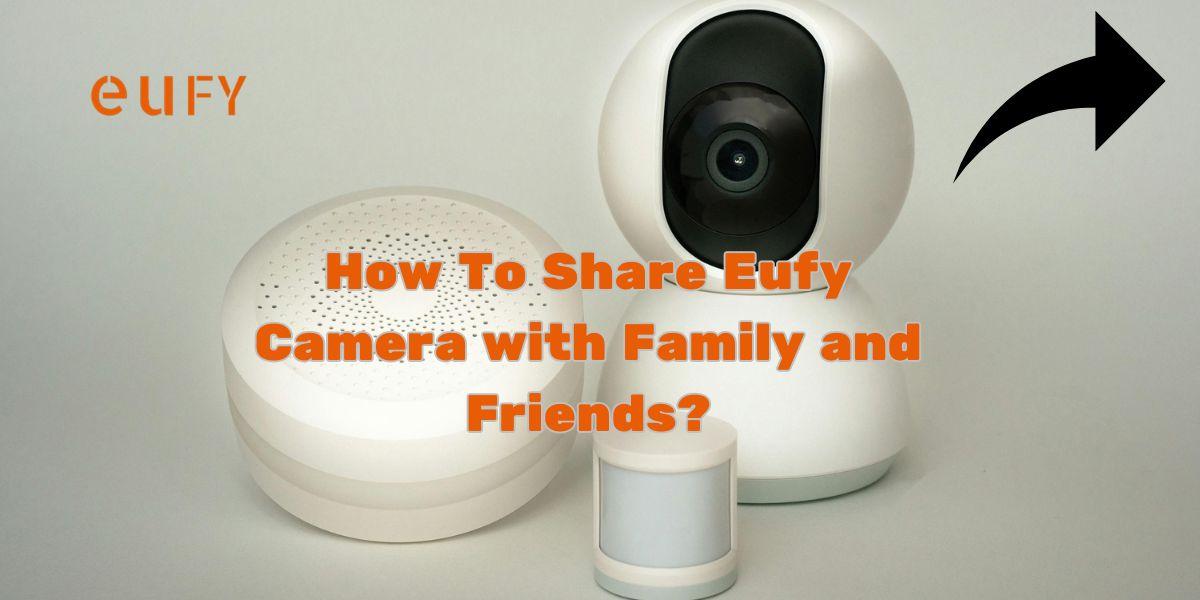
It should be simple to set up home security with Eufy cameras. You may want to let trusted family members or friends access your Eufy camera once the basic setup is complete. In this way, people can watch the broadcast, receive notifications, and help to guard their house, especially when the homeowners are not around.
Here is a Detailed Tutorial on sharing the Eufy Camera:
1. Setup Eufy Camera fully
Before giving access to others, ensure your camera is properly configured. To connect your camera with a Wi-Fi network, you must download the Eufy Security login app and follow the instructions. Verify that everything is working by testing the live broadcast once it is online.
2. Log into Eufy Security.
Start the Eufy Security app, and enter your login information. If you haven't yet, follow the instructions to create your account and complete the Eufy Security login.
3. Go to Device Sharing
Tap on the camera if you want to share Eufy camera. Scroll down on the settings page and find Device Sharing. Here, you can invite others by inputting their e-mail address.
4. Sharing Eufy Camera Access
Input an e-mail address to give a family member or friend access. A request for acceptance will be sent to that person. Once accepted, and depending on the rights granted, he/she can view a live feed and receive motion alerts.
5. Adjust Permissions
How much access you want to give them is all up to you. For example, you can give them access to recordings or maybe live viewing only. Using these options gives you the ease of shared access without giving up your privacy.
Sharing your Eufy camera is a great way to stay connected and keep your house safe. Access sharing provides peace of mind without compromising on safety, be it for keeping an eye on deliveries or checking on pets. Always keep control in your hands by trusting only those whom you grant access and by continuously monitoring of the permissions.
Check out our site for more information about setting up the Eufy camera.

 English
 Arabic
 French
 Spanish
 Portuguese
 Deutsch
 Turkish
 Dutch
Dutch
 Italiano
 Russian
 Portuguese (Brazil)
 Tiếng Việt